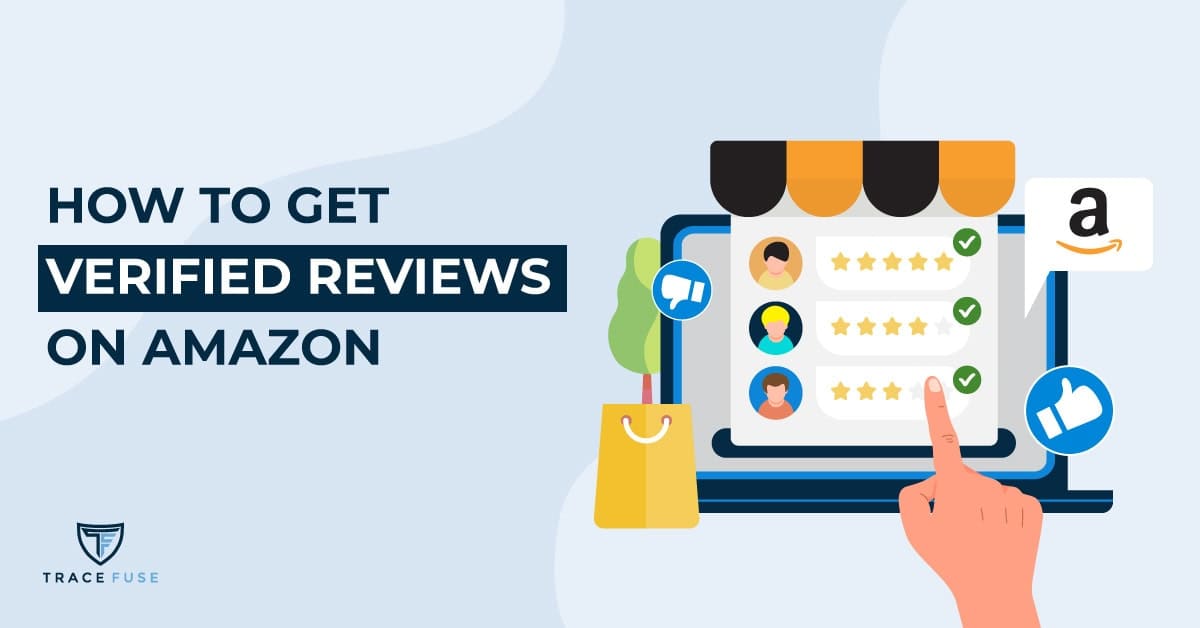
Ecomm business owners know how much customer positive reviews help establish trust and credibility for their products. Amazon sellers with stellar marketplace performance would then ask:
” Can I use Amazon reviews on my website? “
In this blog post, we’ll explore the ins and outs of Amazon reviews to help you understand how they work, their purpose in the marketplace, and the benefits in using them on your website. In addition, I will touch on some details you need to be aware of to avoid potential pitfalls due to improper usage.
By adhering to the best practices for utilizing Amazon reviews on your website, you can leverage positive feedback to boost your sales while addressing negative comments proactively.
By the end of this post, you will have a comprehensive understanding of whether Amazon reviews benefit your website and marketing strategy.
Table Of Contents
What Are Amazon Reviews?
Amazon reviews are shoppers’ way of sharing their experiences with products and services they’ve purchased. Writing reviews allows them to voice their thoughts,provide extra information, and offer valuable insights to other shoppers about the goods or services on Amazon before they buy it.
By reading product reviews, potential buyers can have a better understanding of how a product works and determines whether it meets their needs.
In addition, both positive and negative reviews impact a buyer’s purchase decision. Positive reviews may encourage shoppers who are initially undecided about buying a product to go ahead and buy it.
On the other hand, negative reviews may steer them away from finally buying a product they initially intended to buy.
How Do Amazon Reviews Work?
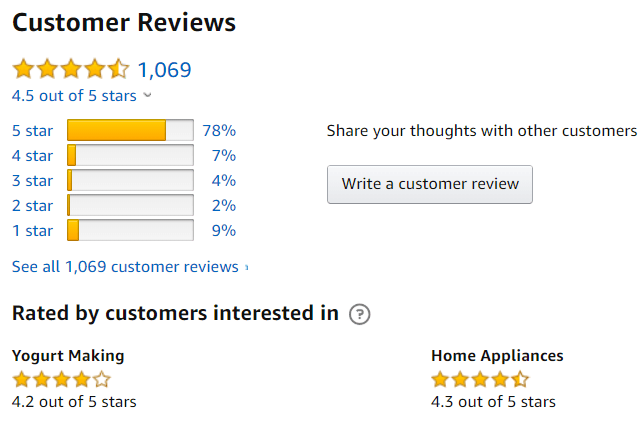
Once the customers receive the product they bought, Amazon will prompt them in their buyer accounts to leave a review. After customers do so, the reviews will appear directly on the product pages in the Amazon marketplace. These reviews then become a valuable informational resource for potential buyers of such products.
As an Amazon seller, you would also have first-hand access to your customers’ reviews. This enables you to act swiftly to either thank your customers for the positive reviews, or address their sentiments for the negative ones. Doing so will demonstrate to them how much you take customer service seriously.
Benefits Of Amazon Reviews
Amazon reviews benefit both buyers and sellers.
For buyers, Amazon reviews help set customer expectations about your products. About 89% of them take the time to read reviews before making a purchase decision. So you can expect them to lean toward buying a product with plenty of positive reviews.
For Amazon sellers, customer reviews are crucial to their business because they help in sales conversion by 3.5 times. So, if you sell a good product, having as many positive reviews on the product page will definitely attract more buyers.
Aside from that, Amazon reviews provide invaluable insights for your business, helping you make better decisions during product research and development, launches, and even marketing campaigns.
You could even use reviews to build relationships with your customers by responding to them like I’ve mentioned earlier. By responding, you‘re able to pacify an irate customer and possibly have them remove a negative review, or turn a happy customer into an even happier and loyal customer.
Key Takeaway:
Customer reviews on Amazon provide shoppers with helpful information to aid in their purchase decisions, contributing to the success or failure of businesses in a highly competitive marketplace.
Reviews from Amazon offer businesses a chance to evaluate their product performance, build customer relationships, and gain an edge over competitors.
Can I Use Amazon Reviews On My Website?
Yes you can, but there are legal considerations to keep in mind to avoid violating Amazon TOS and risk your seller account from being suspended or terminated.
From a legal standpoint, you don’t own the reviews your customers gave to describe their experience about your products – they do.
Since reviews are treated as third-party content on your website, you should ask permission first from your Amazon customers if you wish to use their reviews. When they give you the green light, ensure that you keep the integrity of their reviews by not altering their content or leaving out parts on them without their consent.
Seeing Amazon reviews on a website speaks volumes. They are instant brand or product confidence boosters, pushing potential customers to consider purchasing. No wonder Amazon sellers are encouraged to display their Amazon reviews on their e-commerce sites to improve their organic sales conversion.
Using Amazon reviews on your website can also deliver a one-two punch for your business.
- If you’re promoting your Amazon products independently, displaying Amazon reviews on your site will drive your visitors to your Amazon shop.
Pro Tip: You can write a page-long feature article of your Amazon product, and embed your reviews on that page and linking back to your Amazon product page. You can also share this feature article on your social media sites for an added boost to your product promotion. - If you’re selling products on your site, Amazon reviews will boost our sales conversion rate.
To get the most impact on your Amazon reviews, display positive reviews prominently so that visitors get an accurate idea of how satisfied others are with what you offer, boosting consumer confidence in your brand or company.
A word of caution here — because positive reviews on your site easily invite your site visitors to your Amazon shop, you’d be exposing all of your other listings that contain negative reviews. This experience will confuse, mislead, and most likely turn them off.
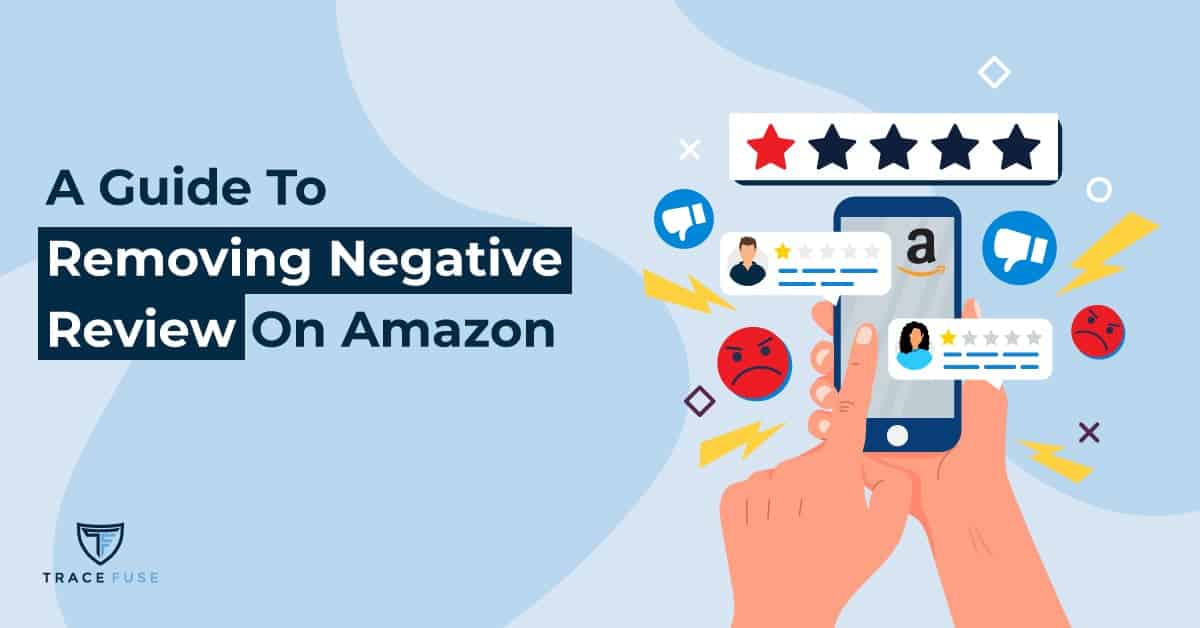
So before seriously considering using Amazon reviews on your website, clean up your listings of negative reviews first. You can do this by filing cases to Amazon to remove the negative reviews.
A more efficient approach is to seek an Amazon negative review removal service that uses an Amazon-compliant AI technology that can analyze the critical reviews eligible for removal, and files the case on your behalf. This is the best way to prepare your Amazon shop from the possible influx of customers from your website.
Best Practices For Utilizing Amazon Reviews On Your Website
When it comes to utilizing Amazon reviews on your website, there are several best practices that you should follow.
To begin, ensure you can use customer reviews from Amazon by first asking permission from customers who gave them.
When asking for permission, assure them that you won’t change what was written or add additional information that wasn’t included in the original post. Once they grant you permission to use their reviews, you can now copy-paste them onto your website.
While that seems like an easy task, it is not practical to manually do it when there are hundreds of reviews to copy and paste on your site. At this point, you may consider using a widget that allows you to integrate third-party review sources, such as Amazon, onto your web pages with minimal effort. However, this option may cost a bit and take up space on your page or website.
Another option is embedding Amazon reviews on your site. In the review section of your product page, access all your reviews. Once there, copy the URL and use that to embed it on your webpage. This is a good way of referencing your Amazon reviews instead of copying them.
However you do it, make sure each review has an associated product link so visitors can find more information about what they are reading, adding context that helps them form opinions based on accurate facts rather than guesswork alone.
So to use Amazon reviews on your site confidently, safely, and responsibly be sure to keep these best practices and legal considerations in mind.
FAQs In Relation To Can I Use Amazon Reviews On My Website
Is It Legal To Use Amazon Reviews On My Website?
It is only legal to use Amazon reviews on your website once you’ve received permission to use it from their authors. Utilizing Amazon reviews on your website without their consent could breach Amazon’s terms and conditions, potentially resulting in penalties or other repercussions.
And because Amazon’s communication guidelines are always changing, it is best to take the safest route to using Amazon reviews on your site by simply providing the link to your review page on your site.
How Do I Integrate Amazon Reviews On My Website?
Using Amazon reviews into your website can boost customer confidence and strengthen your brand’s reputation. An API, a programming interface for applications, must be incorporated into the back end of your website to incorporate Amazon reviews. The API should allow you to pull relevant product reviews from Amazon for display on any page of your site.
Additionally, you may want to consider using automated tools or services that are specifically designed for integrating Amazon reviews onto websites quickly and easily, requiring just minimal effort from you.
Are You Allowed To Ask For Amazon Reviews?
It is inherent in the system of Amazon that after each completed order, it will send an email to the customer to ask for a review. As a seller, you are only allowed to send one email (as a follow-up) to ask for a review. Sending multiple emails would cause you to violate Amazon’s Terms of Service (TOS).
Another clear violation is asking only satisfied customers for a review. This will naturally result in positive reviews on the product, but don’t entirely represent the real experience of other customers.
Thus, Amazon is specific in their TOS about how you should ask for a review:
“If you decide to ask a buyer to provide a Customer Review, you cannot ask only for a positive review, nor can you request reviews solely from buyers who have had a positive experience.”
Also, Amazon’s TOS forbids you from manipulating customer reviews in any way, including offering rewards for reviews, requesting customers to alter or delete their ratings, or attempting to influence ratings through fraudulent means. All these can lead to account suspension on the platform.
Can Companies Buy Amazon Reviews?
No, companies cannot buy Amazon reviews. Amazon does not tolerate any attempts to artificially inflate ratings by purchasing reviews, and those found doing so risk account suspension or termination, and potential legal action.
All reviews must be genuine and reflect the honest opinions of customers who have purchased a product from an Amazon seller.
Conclusion
The simple answer to the question “Can I use Amazon reviews on my website?” is Yes.
However, it is important to ensure that you are using the reviews in an ethical manner by following the best practices. By adhering to the right guidelines when utilizing Amazon reviews, you can gain customers’ confidence and trust while safeguarding yourself from any potential legal issues.
Ultimately, understanding how and when to use Amazon reviews on your website can help you maximize their value while ensuring compliance with Amazon’s applicable laws and regulations.
Looking for experts to safeguard your listings?
Contact TraceFuse today to protect, defend and grow your brand
on the Amazon marketplace.